Deploy a 3-tier web app on AWS with a managed PostgreSQL database.Deploy a 3-tier web app on AWS with a managed PostgreSQL database.
How it got there · 6 steps
Read the requestthree tiers, managed Postgres, nothing public but the edge
Picked the stackALB → ECS Fargate → RDS for PostgreSQL 16
Laid out the networkone VPC, six subnets across three availability zones
Closed off the data tierMulti-AZ, encrypted at rest, private subnets only
Wrote the moduleevery environment-specific value lifted into a variable
Checked its own workterraform validate, tflint and checkov all clean
Amazon Web Servicesaws 5.82.0
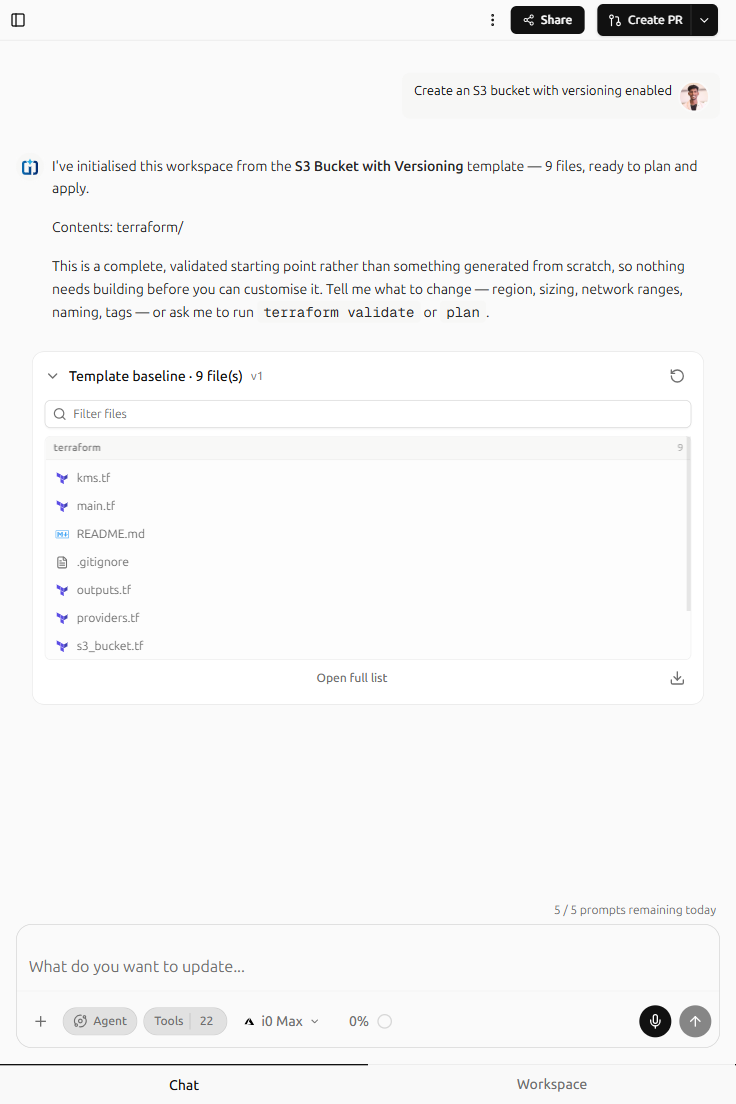
Generated · 11 files
+main.tfroot module
+versions.tfprovider pins
+variables.tf14 inputs
+vpc.tfvpc + internet gateway
+subnets.tf6 subnets, 3 AZs
+nat.tfone gateway per AZ
+security_groups.tf4 groups
+alb.tflistener + target group
+ecs.tfcluster, service, task
+rds.tfpostgres 16, multi-az
+outputs.tf9 outputs
+24 to add~0 to change−0 to destroyterraform plan
Integrates with the tools you already use
Integrations, not endorsements.
Terraform
Amazon Web Services
Microsoft Azure
Google Cloud
Kubernetes
Docker
Helm
Prometheus
Grafana
Datadog
GitHub
GitLab
Git
Ansible
Pulumi
OpenTofu
Jira
Jenkins
CircleCI
Linux
Nginx
Vault
Terraform
Amazon Web Services
Microsoft Azure
Google Cloud
Kubernetes
Docker
Helm
Prometheus
Grafana
Datadog
GitHub
GitLab
Git
Ansible
Pulumi
OpenTofu
Jira
Jenkins
CircleCI
Linux
Nginx
Vault
INFRA0: Our thesis
Infrastructure work was never really about provider syntax. It was about knowing what you wanted to exist, and then spending a week typing it out three different ways.
A sentence carries the intent that a thousand lines of HCL merely encodes. “A three-tier app with a Postgres database” is complete information: the subnet math, the security group rules and the provider version pins are derivations, not decisions. INFRA0 takes the sentence and does the deriving, then shows you every line it wrote so the judgement stays yours. The interface is the thing you already had in your head before you opened the editor.
The output stays ordinary
The generated artifact is a plain Terraform codebase: versions.tf, variables.tf, per-environment tfvars, a module tree your team already knows how to read. No proprietary state format, no wrapper CLI, no layer you would have to unwind to leave. Infrastructure you cannot inspect is not a shortcut, it is a liability that arrives later and usually during an incident. Ordinary output means your existing pipeline and reviewers keep working exactly as they did yesterday.
Review is the gate
Describe, plan, review, deploy, and nothing reaches a cloud account until a person has read what is about to happen. The agent proposes; the engineer decides. That ordering is why drift detection matters too: once reality and source can diverge, someone has to be told in time to act rather than after the incident. Review is not friction bolted onto the end of a generator. It is the step that makes everything before it safe to trust.
Capabilities
Built for real infrastructure work.
Two agent tiers and a continuous view of what is actually running.
Agent · fast
i0 Mini
Quick, single-resource changes. Add a bucket, open a port, resize an instance — scoped edits that land in one or two steps.
The agent and the code live in one window, so reviewing a plan never means leaving the conversation that produced it.
Import
Already have Terraform? Start from your repo.
Connect a GitHub repository and INFRA0 reads the modules you already wrote, maps them against what is actually deployed, and lets you change it by describing the change.
01
Connect the repo
Authorise a repository and pick a branch. INFRA0 reads your .tf files and never pushes to your default branch.
02
Map what exists
Modules, variables and environment files are indexed, then compared against live cloud state so you can see where the two have drifted apart.
03
Change by prompt
Describe the change you want. INFRA0 edits the real module and opens a pull request, so review happens where your team already reviews.
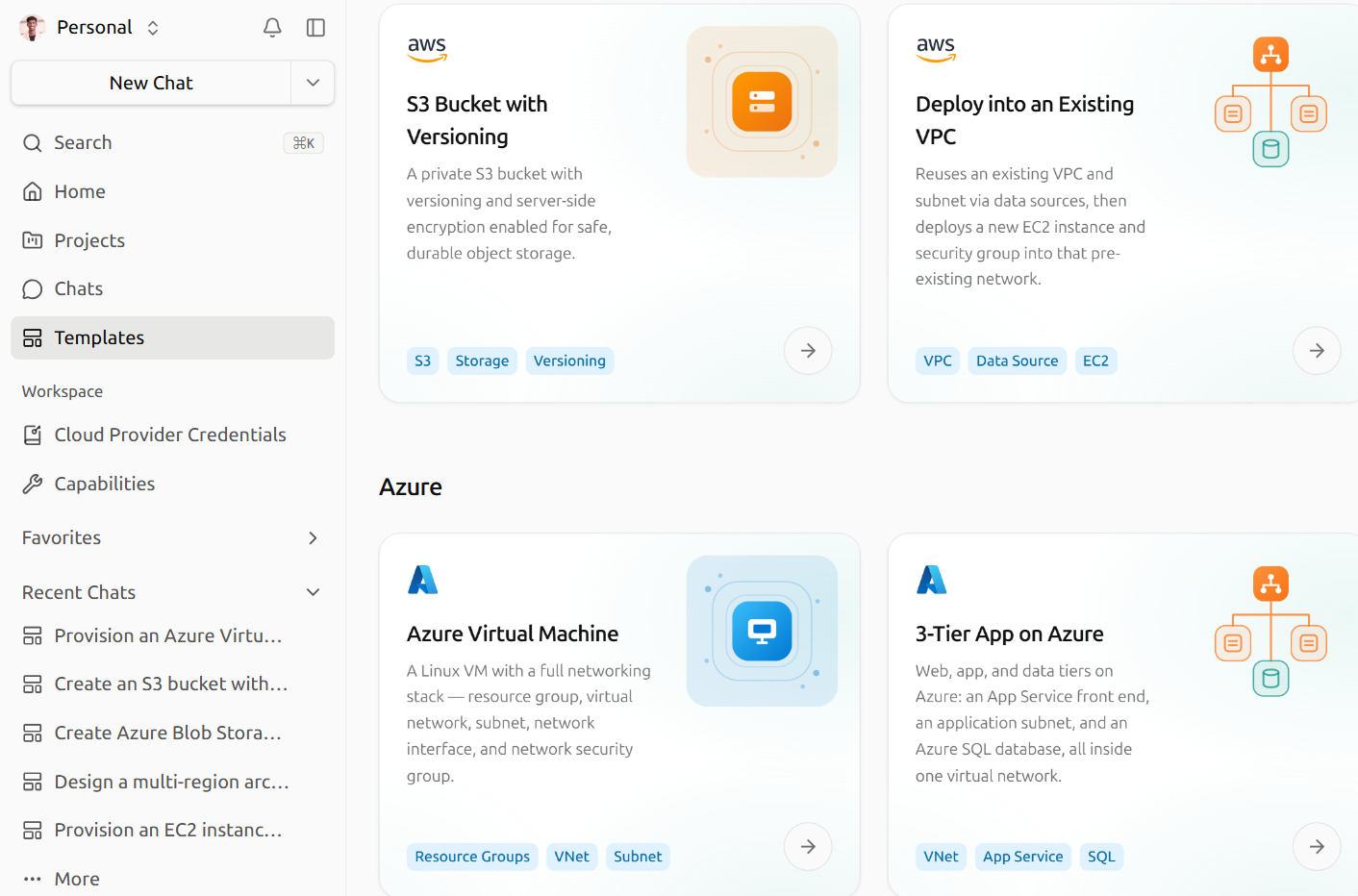
Templates
Start with a template.
Six starting points across three clouds. Pick one, describe your changes, review the diff, deploy.